Explore a design question
The extension, Part O and window U-value calculators support defined early checks. Read the methodology and limits in the tool before applying the result to a design.
Briary workflow
Free calculators and checklists for the early questions and repeated checks that arise on building projects.
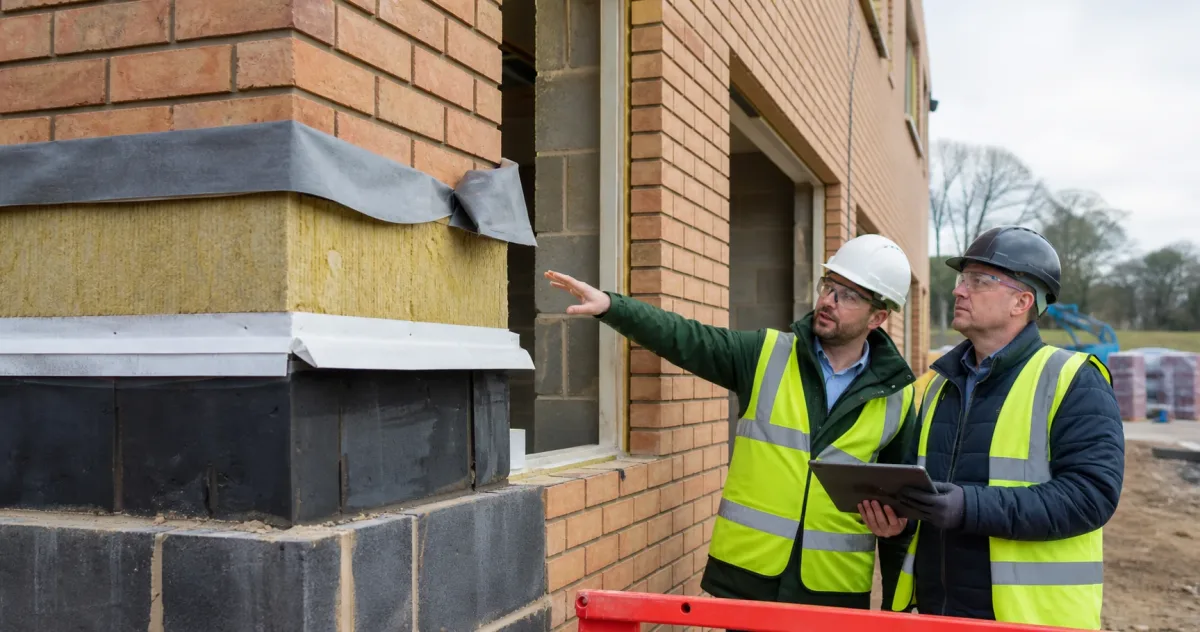
Use a tool to explore an option, prepare information or organise a project conversation. A formal assessment still needs the appropriate method and project-specific review.
Each tool has a defined purpose and set of assumptions. Check its instructions before using a result, particularly where location, methodology or regulatory edition matters. Save the project information and any assumptions needed to understand the output later.

The extension, Part O and window U-value calculators support defined early checks. Read the methodology and limits in the tool before applying the result to a design.
The local-authority finder helps identify local administrative information from a UK postcode. Confirm the current source and project context before making a formal decision.
The air-test checklist helps a site team identify common readiness issues before testing. It does not inspect the building or guarantee a test result.

No. They simplify selected questions and inputs. A formal assessment requires the correct project route, verified information and professional review.
Anonymous usage statistics are separate from tool-user records. If you supply identity or project-header details in a supported tool, these may be retained securely when you produce a report or save/download the project. They are not uploaded as you type. Read the privacy notice for the fields, purpose and retention.
Use the contact form and name the tool, browser and action involved. Avoid sending unrelated personal information. A clear description of what you expected and what happened helps us investigate.
Explore the calculators, finders and site checklists, with the instructions and limitations alongside each tool.